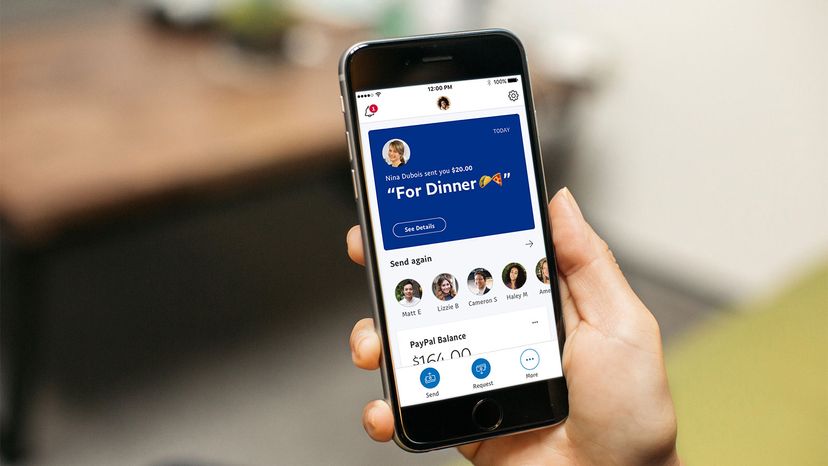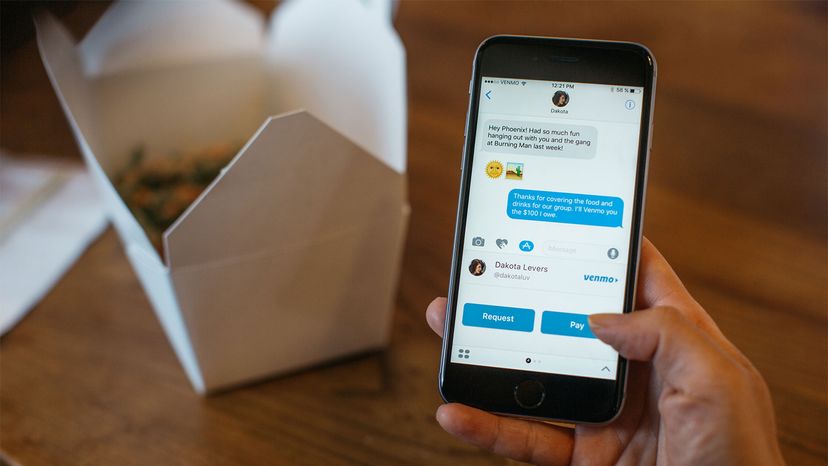
Once associated mostly with payments on the online auction site eBay, PayPal has become a widely accepted method of payment both online and off. The idea is simple: Give people the ability to accept payment online quickly and securely without having to use a credit card. Although PayPal has occasionally had trouble with fraud, lawsuits and zealous government regulators, the company now boasts over 277 million active accounts [source: PayPal].
PayPal's core business is an online payment service that allows individuals and businesses to transfer funds electronically. Here are some of the things you might use PayPal for:
Advertisement
- Send or receive payments for online auctions at eBay and other Websites
- Purchase or sell goods and services
- Make or receive donations
- Exchange cash with someone
You can send funds to anyone with an e-mail address, whether or not your recipient has a PayPal account. To receive the funds, though, the recipient must have a PayPal account associated with that e-mail address. Basic PayPal accounts are free, and all purchases made in the United States with the service are also free [source: PayPal]. The company charges fees for sellers, international transactions, and sending money with a credit or debit card.
If you have a PayPal account, you can add and withdraw funds in many different ways. You can associate your account with bank accounts or credit cards for more direct transactions, including adding and withdrawing money. Other withdrawal options include using a PayPal debit card to make purchases or get cash from an ATM or requesting a check in the mail.
In this article, we'll show you how to use PayPal, find out how the transactions are made, and learn something about the company's history. Let's start with how to sign up for your own PayPal account.
Advertisement